
Traffic Court Records in Muskingum County
Where the traffic stop happened decides which court docket holds the case. Tickets written outside the City of Zanesville go to Muskingum County Court. Zanesville Municipal Court takes the ones inside city limits. Juvenile traffic cases sit with Juvenile Court. Its rules restrict access, so those files are not public adult dockets. The court that issued or received the citation keeps the court file.
Muskingum County Traffic Court Jurisdiction
Muskingum County runs two lower courts side by side, and that split trips people up. County Court covers the areas beyond Zanesville. Zanesville Municipal Court serves the city itself. So a County Court CaseLook search will not necessarily surface a Zanesville citation. A city-court lookup says nothing about County Court cases. The Zanesville Municipal CaseLook page does not always load an open form. That alone proves nothing about what the court keeps. Do not borrow County Court fields and assume they fit the municipal system. The reliable fallback is the Zanesville Municipal Clerk at 332 South Street. The court's own published contact path works too.
How to Look Up a Traffic Ticket
For a County Court citation, accept the notice. Then open the official Muskingum County Court CaseLook search. A case number is the fastest input. If you lack it, the Party / Company Name field works. The form also lets you search by hearing, file, or violation date. One caution: a very recent citation may not appear online yet.
- Read the citation for the court name, citation or case number, and appearance date and time.
- For a Muskingum County Court matter, use CaseLook and select the Traffic category before broadening the search.
- Enter the numerical case number when known, or use the Party / Company field in the published Last, First format and narrow with a relevant date.
- Record the case number, hearing information, and displayed status, then check the court notice for any required response.
- Call the court or visit the clerk counter if the citation has not posted, if the court is Zanesville Municipal, or if a current status needs confirmation.
Ohio offers no statewide search for individual traffic cases. eStats is a statistics service, not a citation lookup. When a portal gives you nothing usable, the clerk's counter is the local alternative.
Muskingum County Traffic CaseLook Fields
CaseLook posts a County Court traffic search form anyone can use, and it asks for no one else's case information to get there. The case number field takes digits only, up to 16 characters. The public form has no citation-code segments broken out piece by piece, so keep the number intact rather than guessing at its parts.
| Field label | Type | Required | Traffic-search note |
|---|---|---|---|
| Party / Company Name | Text | No | Published format: Last, First. |
| Case Number | Numeric text | No | Numbers only; maximum 16 characters. |
| Hearing Date | Date | No | Useful for a known setting. |
| File Date | Date | No | Can narrow the filing window. |
| Violation Date | Date | No | Available on the County Court form. |
| Case type | Checkbox | No | Select Traffic; other choices include Criminal, Civil, Small Claims, and Parking. |
| Matches Per Page | Selector | No | 25, 50, 100, or 250 results. |
Finding Your Traffic Court Date
Check the court date on the citation, then verify it against the court's current record. County Court calendar tools offer schedule and month views. Their fields cover date, attorney, time, case, party, description, and status. An event might be labeled arraignment, plea, trial, sentencing, or hearing. That label is a setting. It is not proof of any final result.
| Citation or case number | Use the court’s identifier. County Court CaseLook accepts numbers only, maximum 16 characters. |
|---|---|
| Court | Confirm whether the citation belongs in Muskingum County Court or Zanesville Municipal Court. |
| Date and time | The citation response time or the current calendar setting; confirm time-sensitive information with the court. |
| Description | The listed event type, such as arraignment, plea, hearing, trial, or sentencing. |
| Status | A displayed calendar field that should not be treated as an undefined final adjudication. |
Muskingum County Traffic Docket Delay
The County Court CaseLook notice warns that information may run at least 24 hours behind. It also carries no guarantee. Confirm a current hearing, a newly filed citation, a payment, or a final ruling with the clerk. Still, the delay is no excuse to miss the date or time stated on the citation. Calendar entries also look forward. Words like listed, scheduled, or continued fit until a signed docket entry or order sets the result. When the date truly matters, ask the court or clerk. Ask whether the setting is still on the calendar.
Paying or Contesting a Ticket
County Court lays out payment eligibility and timing on its ticket path. Eligible tickets can be paid online, in person, by phone, or by mail. Always pay before the citation's date and time. Full payment is required. Understand what it means. Paying counts as a guilty plea and waives both appearance and trial. Court staff cannot tell you which choice to make.
| Paying an eligible ticket | Contesting the ticket |
|---|---|
| Requires full payment before the citation date and time. | Requires responding through the court process rather than using an ineligible payment route. |
| Can be completed online, in person, by phone, or by mail when the court permits payment. | Preserves the court appearance path shown by the citation and court record. |
| Constitutes a guilty plea and waives appearance and trial. | The court, not its staff, controls the case setting and record. |
Missed court date or payment: Failure to pay or appear can result in a warrant and/or BMV license forfeiture or block, with fees. The court or clerk can confirm the present status and the required way to address the case.
Muskingum County Traffic Payment Limits
County Court excludes several charge types from its online payment route. The list covers felony or indictable matters. It also includes OVI, leaving the scene, and many license or suspension charges. Repeat moving violations, fleeing, drag racing, and physical control are excluded as well, along with illegal plates, speeds at or above 100 mph, and school-bus violations. Even a citation that looks eligible may carry another restriction. Confirm with the court before paying. The official County Court payment page spells out the eligible payment process and its timing rule.
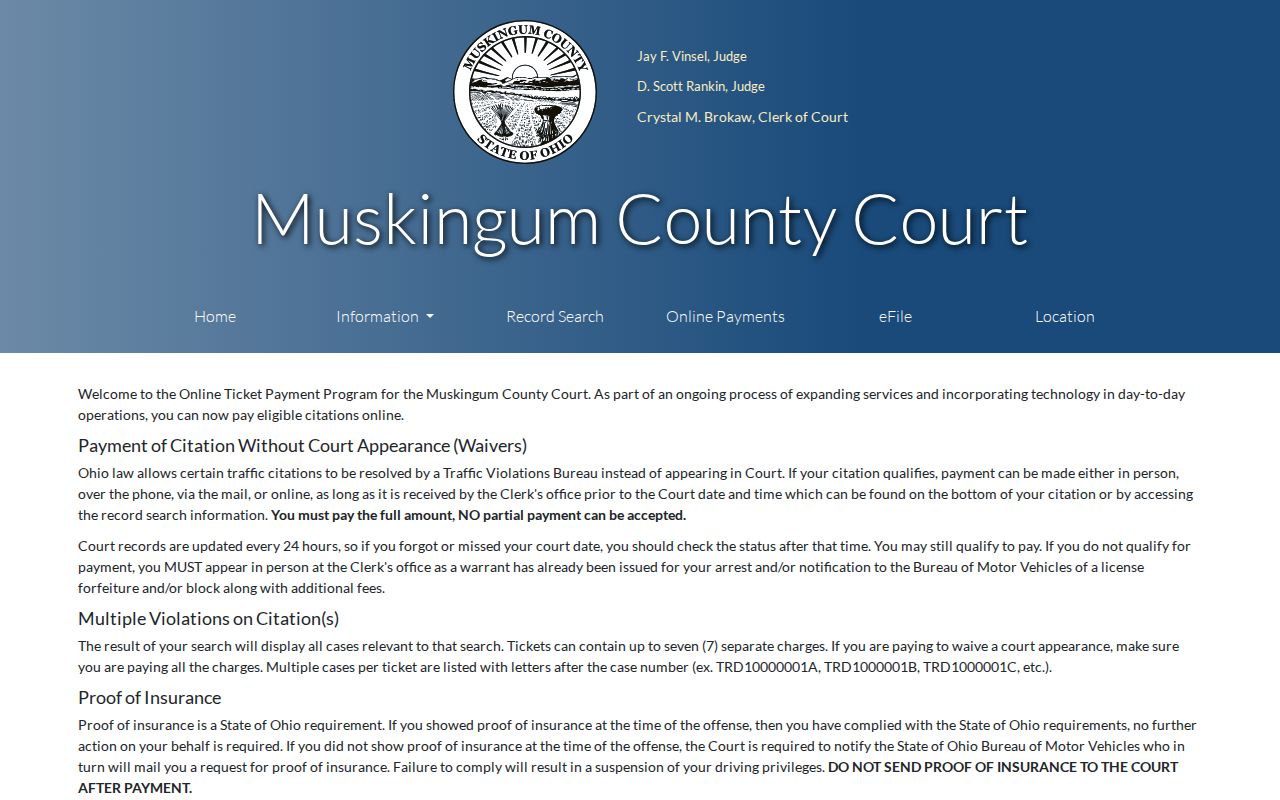
The payment page explains procedure only. It is not a docket database, and it offers no legal advice on a plea decision.
Muskingum County Traffic Fine Schedule
County Court publishes waiver-cost examples, but no example promises your citation costs the same. The published figures include $76 for a driver seat-belt matter and $66 for a passenger seat-belt matter. Certain speeds 20 mph or less over the limit carry $100. Speeds 21 mph or more over carry $125. Certain control-device violations run $115. The actual amount and eligibility always come from the citation and the court. The official County Court fines page carries the local waiver guidance.
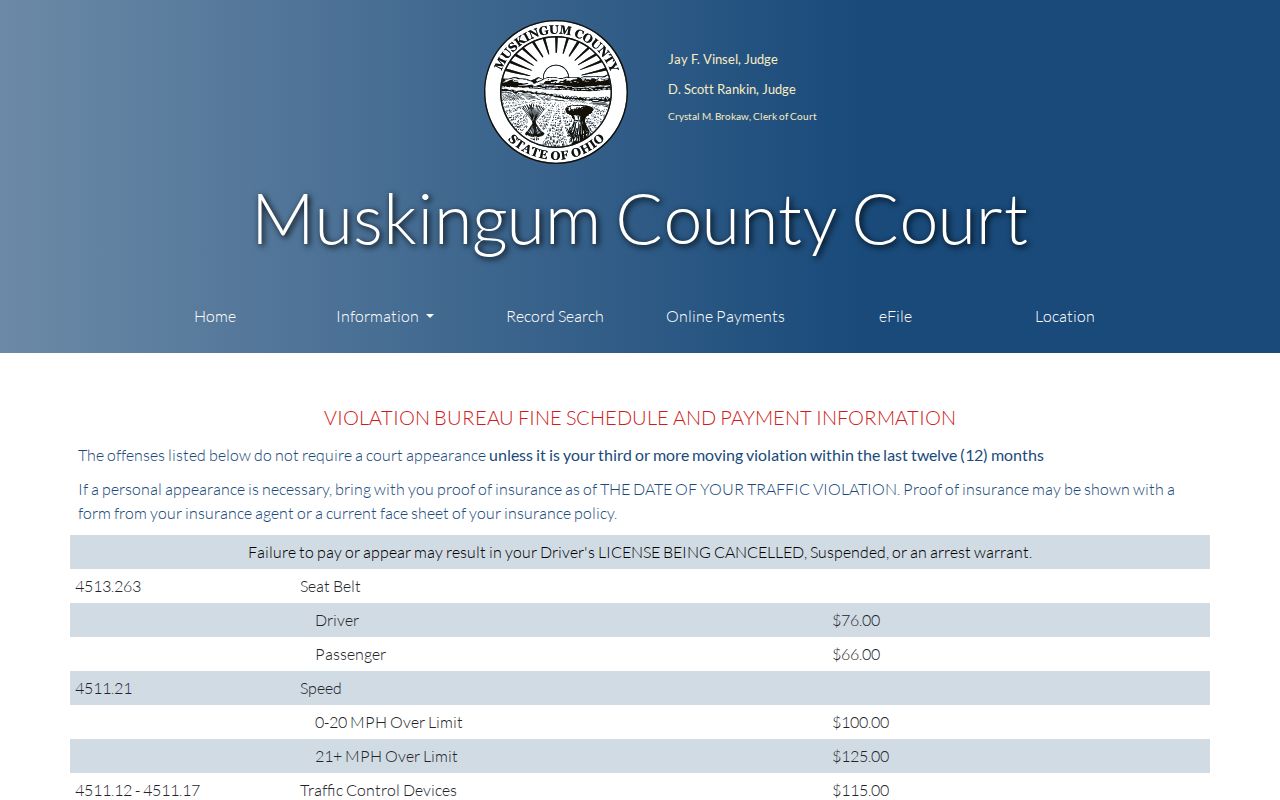
Check with the court for the exact total and due date on your case. A citation that lists a hearing, or some other payment restriction, needs the court docket read first.
Court Traffic Record vs Driver Record
Two different offices hold two different records here. A Muskingum County traffic court record covers the citation case itself, while the Ohio BMV keeps a separate driver record under state rules. Neither one substitutes for the other. The court docket will not show your BMV points, and a BMV printout will not show the court's citation docket entries. Check whichever record answers your actual question.
| Court traffic record | State driver record | |
|---|---|---|
| Kept by | Muskingum County Court Clerk or Zanesville Municipal Court Clerk, depending on jurisdiction. | Ohio Bureau of Motor Vehicles. |
| Shows | Citation charge, hearing, plea, disposition, and payment activity in the court case. | The BMV’s state-maintained driver-record product. |
| Access path | Official court lookup, clerk contact, or copy request. | State BMV record-request process. |
Muskingum County Traffic Record Custodians
The Ohio BMV record-types page spells out the state's own record products. That page names the state office involved and helps separate the driver record from a Muskingum County traffic court case file. The two serve different purposes.
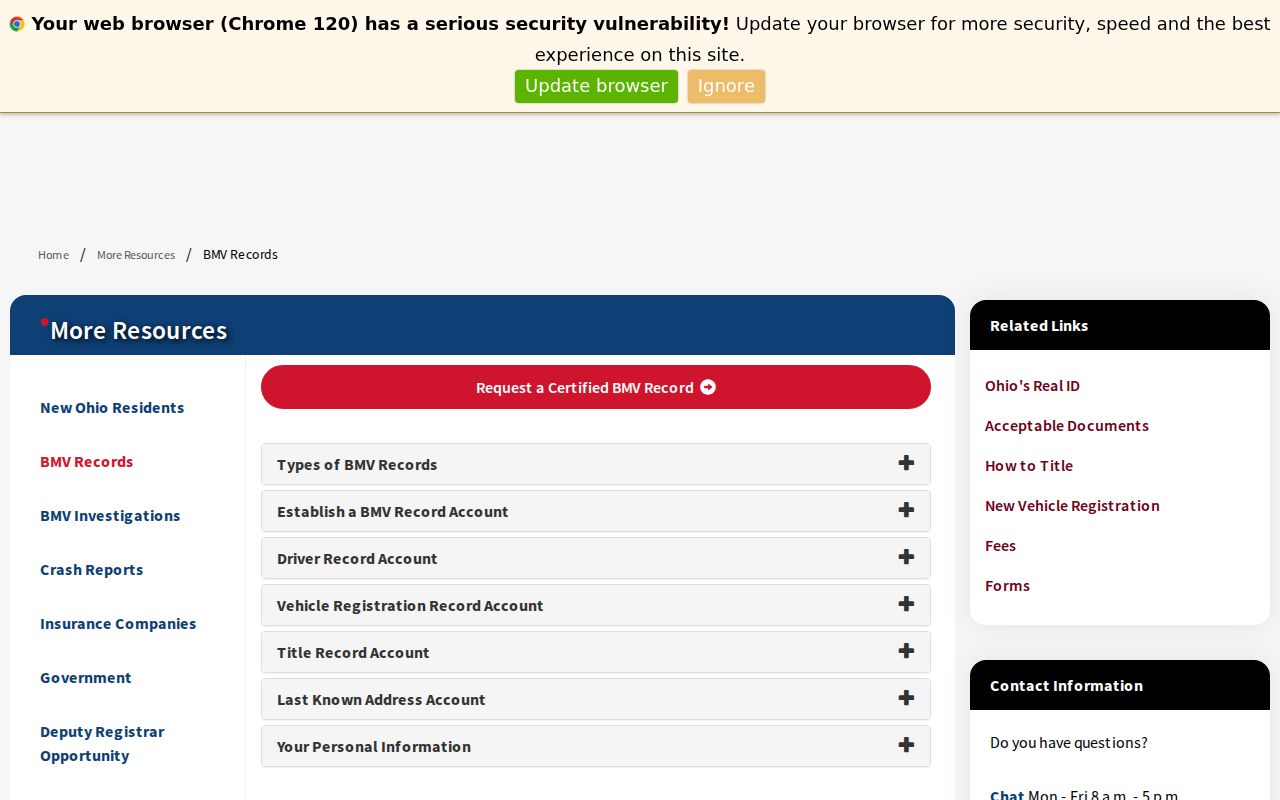
Need a court date, plea, outcome, or copy from a citation? Start with the court named on the ticket, not the BMV, and ask the clerk there for the traffic docket entry.
Muskingum County Traffic eStats Limits
Ohio eStats offers aggregate court statistics for the state. It has no search for an individual citation, party, case number, or document. Looking up a traffic docket still belongs to the local court that issued the ticket.
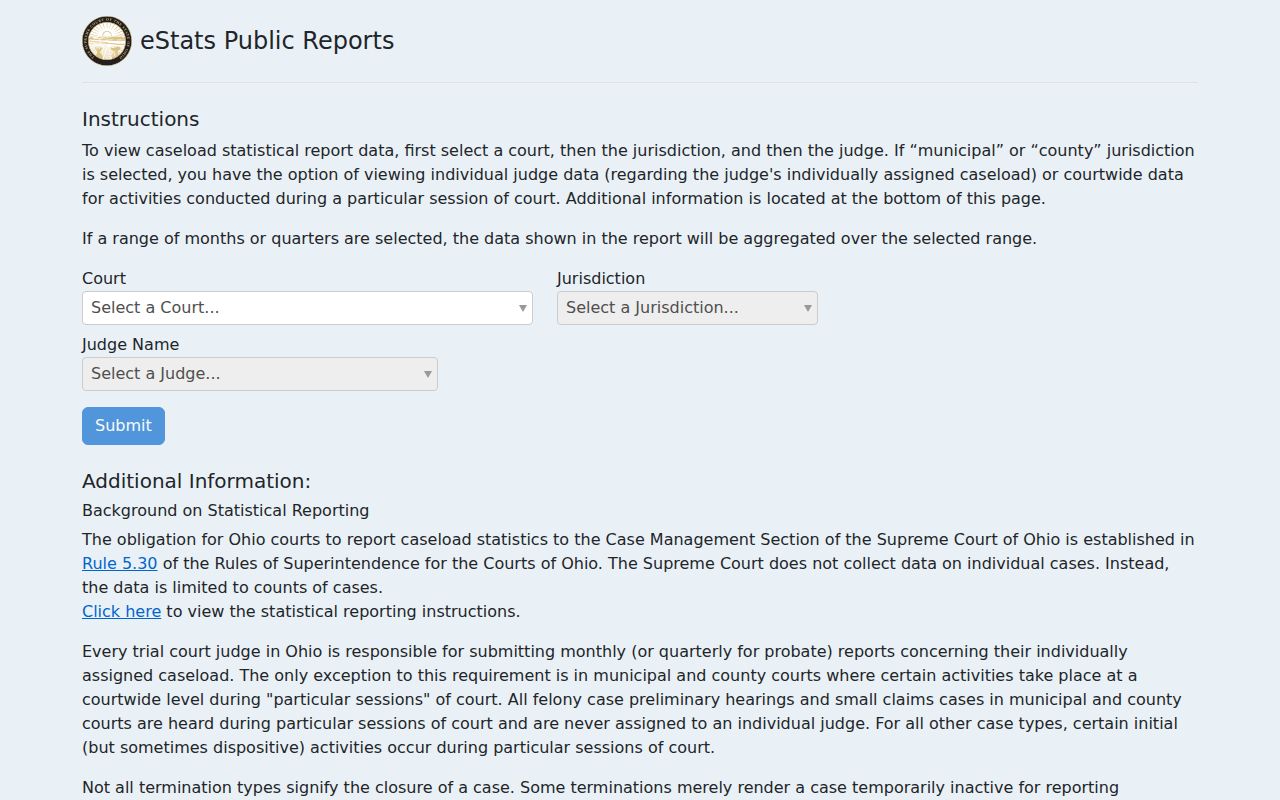
Aggregate statistics say nothing about one case. Never use them to guess the status or outcome of a particular traffic docket entry.
Fees and Copies
Copies in Muskingum County Court traffic cases run 10 cents per page. A certified document costs $1 under the published schedule. A plain copy and a certified copy are not the same product. Tell the clerk which one you need. Confirm the full total before paying. Requests can mix a docket printout, a document, or audio.
| Item | Published fee | Notes |
|---|---|---|
| County Court copied page | $0.10 per page | Published County Court copy rate. |
| County Court certified document | $1 per document | Certification is a separate clerk product. |
| Digital audio | Published charge applies | County Court publishes digital-audio charges; confirm the current amount with the clerk. |
That fee schedule covers County Court only. Zanesville Municipal Court and Juvenile Court set their own records rules, so route a copy request to whichever court actually holds the traffic case. Bring the citation or case number along. It lets the clerk pull the right court file and pick the right copy type without delay.