
How to Search Criminal Dockets
Figure out the court first. Felony cases sit in the Muskingum County Court of Common Pleas, General Division, where the Muskingum County Clerk of Courts runs an online eServices index. Misdemeanor and traffic cases outside Zanesville go to Muskingum County Court, whose CaseLook system carries its own Criminal category. A city matter may run through Zanesville Municipal Court instead. For routing, the court name, the event location, and the case number will serve you better than a broad name search.
Copy the case number exactly as returned. Write down the division too. A docket result is handy for tracing a case's sequence, but it never replaces the filed document or a certified clerk copy. When a listing is new or time-sensitive, confirm it with the court that owns the docket before relying on it.
- Choose the court based on the offense level and where the matter arose in Muskingum County.
- Use County Clerk eServices for a Common Pleas General Division criminal docket, or open County Court CaseLook for an outside-Zanesville misdemeanor case.
- Search with the available name, case number, or date fields and compare the court division before treating a result as a match.
- Read the docket entries and scheduled events in sequence, preserving the exact case number for any follow-up request.
- Ask the responsible clerk for the exact public item when the charging paper, order, judgment entry, or certified record matters.
Muskingum County Criminal Docket Court Routes
Criminal docket access in Muskingum County splits by court and territory. The Common Pleas General Division hears county felonies. County Court covers misdemeanors plus traffic cases outside the City of Zanesville. Zanesville Municipal Court takes the city route for misdemeanors, traffic, and certain initial or limited felony proceedings, while Juvenile Court handles delinquency and youth traffic matters behind stronger access limits.
These courts run parallel systems, not interchangeable search mirrors. So a missing result may simply live at another court. The County Clerk and the County Court each publish their own service paths, which means the best docket search method shifts with jurisdiction.
| Court route | Criminal docket coverage | Starting access point |
|---|---|---|
| Common Pleas General Division | Felony criminal cases | County Clerk eServices and Civil/Criminal clerk |
| Muskingum County Court | Misdemeanors and traffic outside Zanesville | County Court CaseLook and clerk |
| Zanesville Municipal Court | City misdemeanors, traffic, and limited felony proceedings | Municipal Court record-search route or clerk |
What a Criminal Docket Shows
Think of a docket as a chronological court record of case activity. It can reveal a case number and parties or attorneys where public. Expect filed-item descriptions, entries, notices, and settings too. An entry shows that something was filed, ordered, noticed, or scheduled. It is not necessarily the document itself. A judgment entry is the actual order or judgment document. A docket line, by contrast, may only record that the document was entered.
When reading a Muskingum County criminal docket, pair every date with its label. One case history can hold several dates at once. There may be a filing date, a journalization date, a hearing date, and a transaction date all in one file. Keep the exact case number and court division attached to any notes you make. Attach them to any clerk request as well.
| Case number | The system identifier, retained with the court and division. County Court expects a numerical case number of no more than 16 characters. |
|---|---|
| Docket entry | A recorded event describing a filing, notice, order, setting, or action, rather than the full filed document. |
| Filed-item description | A brief public description in the Clerk index, not the underlying document text or image. |
| Hearing setting | A listed court event with a date or time. It tells what is scheduled, not the result. |
| Certified copy | A document product supplied and certified by the responsible clerk when an official copy is needed. |
Muskingum County Criminal Docket eServices Limits
The Clerk's eServices system offers a public index for Common Pleas General Division criminal records. It also provides a docket-summary path. According to the Clerk, its public coverage reaches back to October 17, 1994. Use it to locate a case and its sequence. Public party and attorney listings come with filed-item descriptions. It is not a public filing-image collection, though. An online docket summary cannot supply the wording, signature, or attachments found in a court document.
Treat the eServices entrance as the first layer of a felony docket search. A listing may point to an order, charging document, or judgment entry. Take the displayed case number, date, and description. Then ask the Civil/Criminal clerk for that precise item. A narrow request like that keeps a summary label from being mistaken for the document's full contents.
Stages on a Criminal Docket
Criminal docket entries usually trace a case from the opening filing through scheduled court events toward a later disposition. The sequence varies by case and court. Some dockets show motions, continuances, or several pretrial settings. Others end before any trial. The sound habit is to read the docket in date order and state only what the entry or signed document establishes.
Docket process: Filing → Arraignment → Pretrial → Plea or Trial → Disposition → Sentencing
That process line is a map, not a prediction. A calendar date can move, and a filed entry can bend the path without showing every fact behind it.
Muskingum County Criminal Docket Calendar Labels
County Court's schedule relies on labels like arraignment, plea, trial, sentencing, probable-cause hearing, and hearing. These labels organize settings. They are not results. An arraignment entry does not establish a conviction. A plea setting does not establish a plea. A trial setting does not establish a verdict, and a sentencing setting does not establish a sentence. Say a matter is listed, scheduled, continued, or shown on the calendar. That rule holds unless a docket entry or signed order supplies the outcome.
- Arraignment
- A scheduled stage for addressing a charge, not a final result.
- Pretrial
- A setting before trial that may involve motions, preparation, or scheduling.
- Disposition
- The recorded resolution reflected by a docket entry or order.
- Sentencing
- A scheduled or completed stage that must be read with the docket entry or judgment document.
County Court also posts month and schedule calendar views. Use them to spot a listed setting, then compare the docket or contact the court when the date is time-sensitive.
Which Court Holds Criminal Dockets
Criminal dockets in Muskingum County split across three courts. Felonies belong to the Court of Common Pleas, General Division. Misdemeanors and traffic cases outside Zanesville go to the County Court Criminal Division. Inside the city, Zanesville Municipal Court handles its own matters. Its official court page sends record-search users to its own CaseLook access point rather than the County Court system.
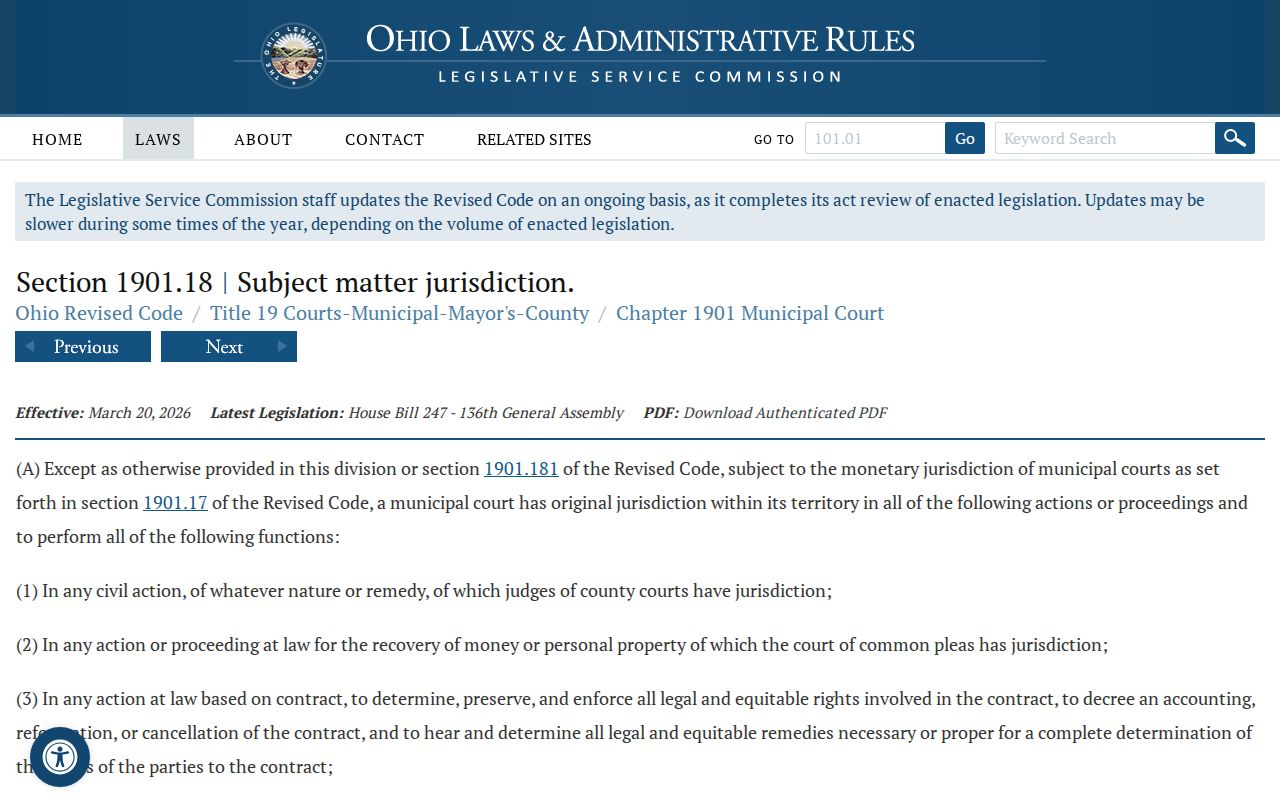
A statute backs up this routing. R.C. 1901.18 sets out municipal court criminal jurisdiction. So a city case stays with the Municipal Court instead of the County Court CaseLook system.
Knowing the court's location and exact name remains the key step when hunting for the right Muskingum County criminal docket. Juvenile Court is not a fourth adult portal. It covers delinquency and youth traffic cases under its own jurisdiction, and the County Clerk posts no general online access to juvenile records. So a case type alone never settles which source to search.
Muskingum County Criminal Docket CaseLook Fields
County Court CaseLook splits Criminal from Traffic and gives a public search form several filters. After you accept the notice, the search form opens. You can search by Party / Company Name, Case Number, Hearing Date, File Date, or Violation Date. There are case-type choices, a Matches Per Page setting, plus Reset Form and Search buttons. The name field is optional and takes a "Last, First" format. Case Number is optional too, digits only, capped at 16 characters. Result counts run 25, 50, 100, or 250.
One caution matters here. The County Court CaseLook notice warns that information may be delayed at least 24 hours. It carries no guarantee. A new charge or a fresh hearing deserves direct confirmation from the court. So does a payment or a recent filing. That lag hits hardest in a docket search. It shows up when results have not yet caught up with recent activity. The official notice is the public entry point for the County Court's criminal docket search.
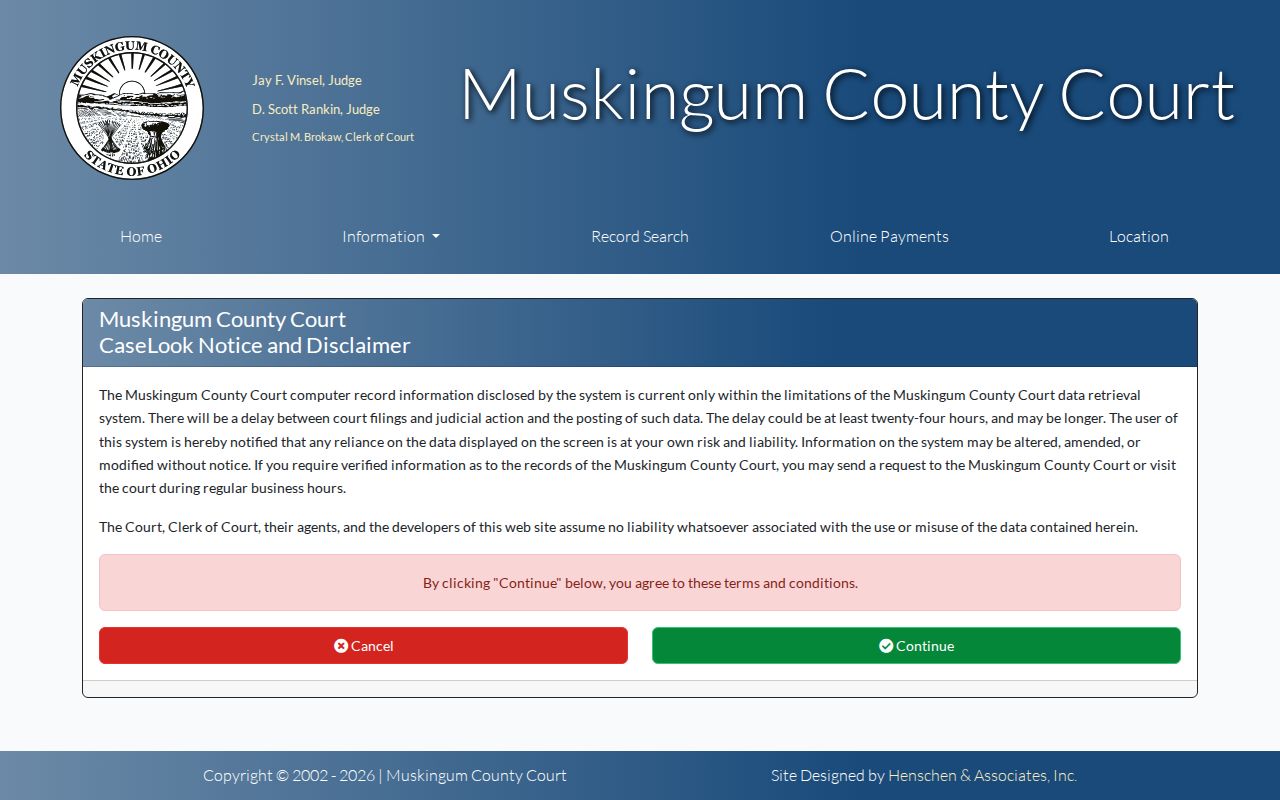
Keep the notice in perspective. A search return is an access tool with timing limits, not a full account of every record or event.
Muskingum County Criminal Docket Delay Checks
Search the portal first. For a fast-moving Muskingum County criminal docket, verify recent activity with the clerk or the court. County Court warns that CaseLook can lag at least 24 hours, and calendars get revised. Cite the displayed case number, court, and event label. Use them when you ask about a new filing or setting. A portal delay never proves an event did not happen.
Public Access and Sealed Criminal Dockets
Ohio court-record access starts from a public-access framework. Even so, a public docket does not put every document on screen. R.C. 149.43 requires prompt inspection and copies of public records, subject to exceptions. Sup.R. 44 defines court-record terms and personal identifiers. Sup.R. 45 keeps general access open but permits restriction once the required showing is met. A redacted copy, a clerk-held document, a sealed matter, and a restricted juvenile record are not the same. Each is a different access category.
Access rules for criminal records:
R.C. 149.43 sets Ohio's public-record inspection, copying, redaction, and explanation framework, subject to applicable exceptions.
Sup.R. 44 through 47 govern court-record access, personal identifiers, and restrictions in the judicial-record setting.
R.C. 2303.901 supports the Clerk of Courts as the proper custodian for Common Pleas court records.
When something is withheld, ask the court or clerk what authority limits it. Also ask whether a public, redacted, or clerk-mediated version exists.
Muskingum County Criminal Docket Adult Sealing
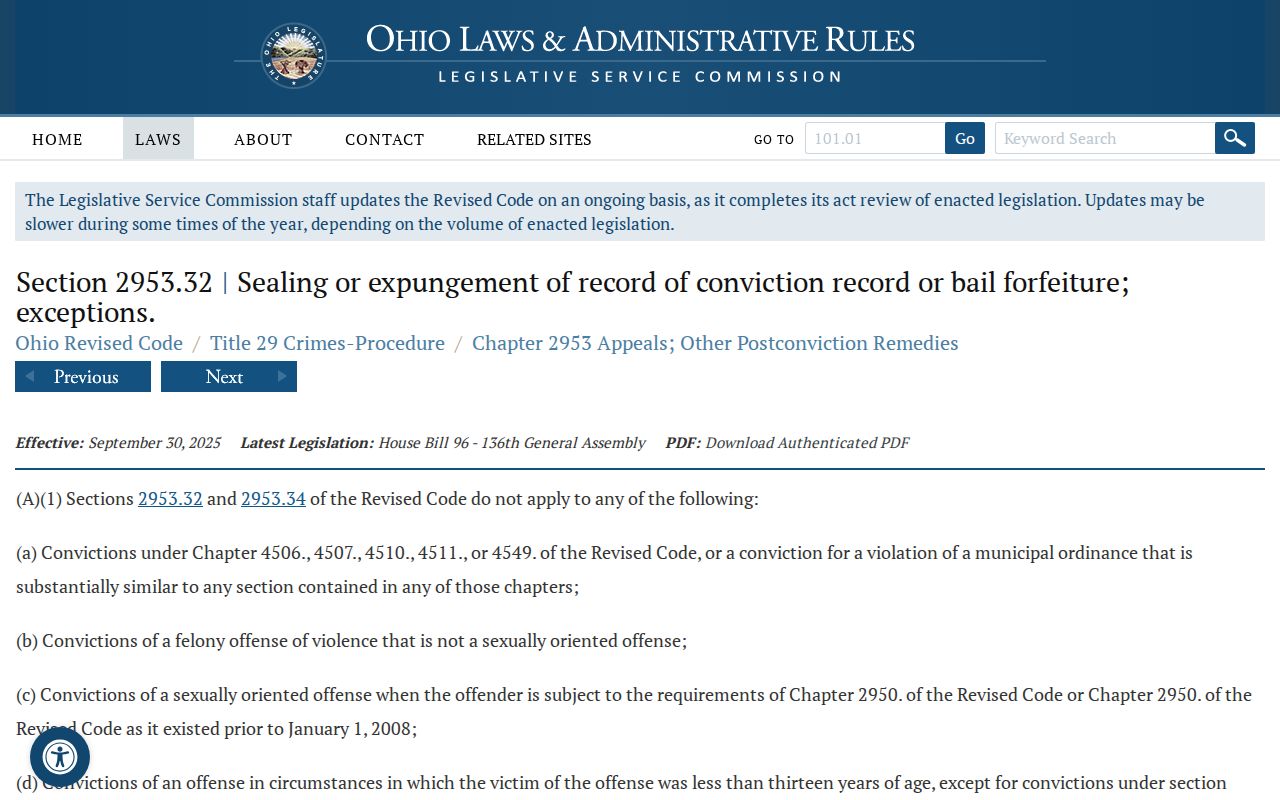
Adult sealing runs through the sentencing court. Under R.C. 2953.32, eligible conviction or bail-forfeiture records can be sealed when statutory conditions are met and no exception applies. Public visibility can shift after an order. Never read a person's status into a missing portal result. The item may simply be offline, redacted, or under another limit. Ask what public or redacted record exists for the identified case.
The adult sealing statute lays out the application framework. It is no shortcut for a particular case's status.
For docket research, the point is simple. A portal can hold less than the full clerk file, and its contents can change under a lawful court order.
Muskingum County Criminal Docket Juvenile Limits
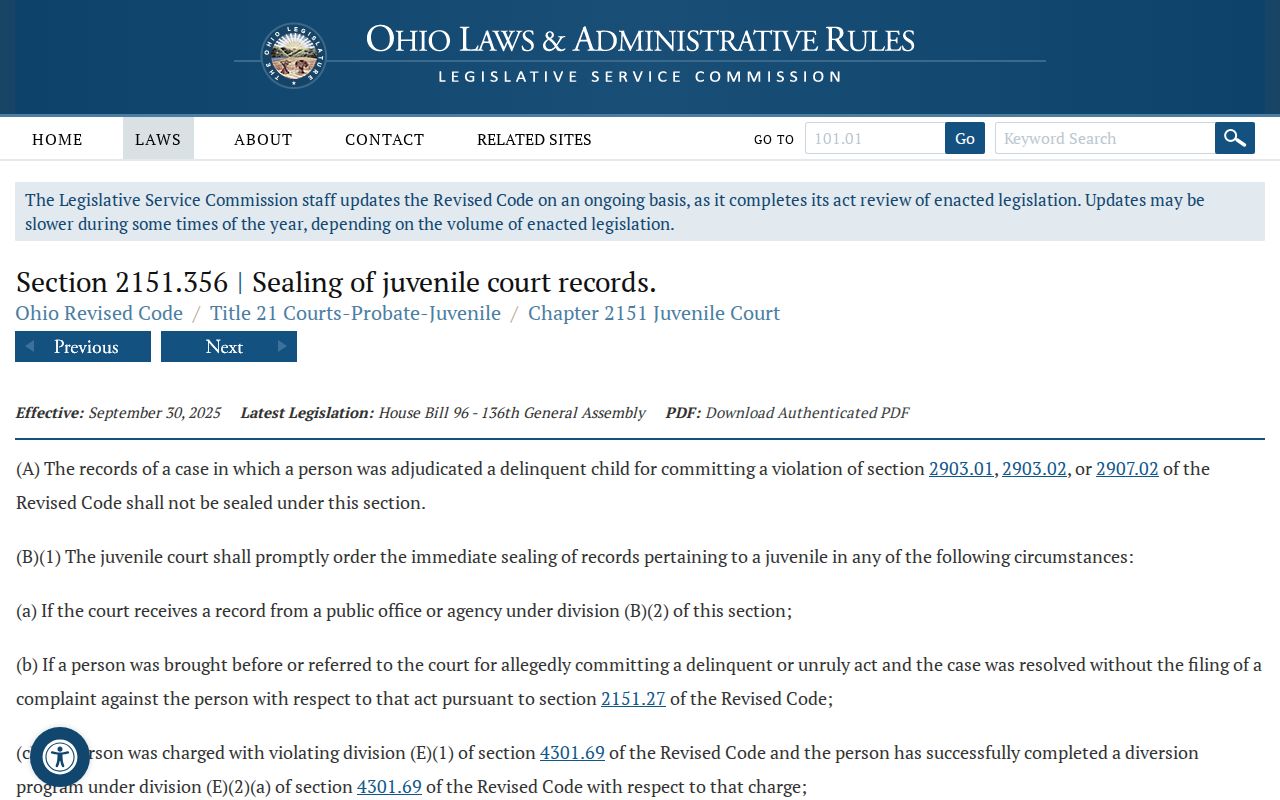
Juvenile matters do not work like adult criminal docket searches. R.C. 2151.356 builds a separate sealing and expungement framework for youth. Muskingum Juvenile local rules state that juvenile court records and hearing records are not for public use. Access is permitted only for appeal or by court authorization. The County Clerk offers no general online juvenile access either. Take questions about a juvenile record straight to Juvenile Court, with the item described precisely.
The juvenile sealing statute stands apart from the adult process. That is why these access paths stay separate.
That separate framework does the work. No adult docket portal, calendar line, or name search can open a juvenile file.
Muskingum County Criminal Docket Clerk Copies
A docket entry on the screen only tells you so much. To read the actual filing behind it, order the document from the Muskingum County Common Pleas Civil/Criminal clerk. Ask about the cost first. The published fee schedule sets copies at 20 cents per page. Certification runs $5 per document. Those figures are posted guidance. Totals can vary once the clerk knows exactly what a criminal docket request involves. A few record products call for extra confirmation from the right office before anything ships.
Give the clerk something specific to work with. Name the court and division. Include the case number, the date, and the title of the item if you have them. Say whether a plain copy will do. You can also ask for a certified one. That one detail keeps a docket printout separate from a true document request, and it lets the clerk pull the right public filing without guesswork.
Note: Confirm the exact item, its availability, and current charges with the Civil/Criminal clerk before sending payment or relying on a docket summary.